
New
Seedance 2.0 Mini
ByteDance's lightweight model for image-to-video and text-to-video. Pick the Standard, Turbo, or Spicy variant and generate a clip in minutes.
Transform text and images into cinema-grade videos with this all-in-one AI video generator
Jump into a specialized Seedance workflow — each tool is a dedicated generator tuned for its task.
Real demo videos generated by the AI — from text prompts to finished cinema-grade clips in seconds.
Transform simple text prompts into stunning, high-quality videos. Describe any scene and watch the Seedance 2.5 Model bring your vision to life with cinematic precision.
Upload any static image and animate it into a dynamic video. The Seedance 2.5 Model intelligently adds motion, depth, and life to still photos with remarkable realism.
Move quickly from prompt to preview with a streamlined generation workflow designed for fast creative iteration.
Produce videos at up to 1080p. The Seedance 2.5 Model focuses on realistic lighting, detailed textures, and fluid motion.
Work across photorealistic, anime, cinematic, and abstract styles without switching to a separate video workflow.
Fine-tune camera movements, character actions, and scene transitions. The Seedance 2.5 Model gives you director-level control over every frame of your generated video.
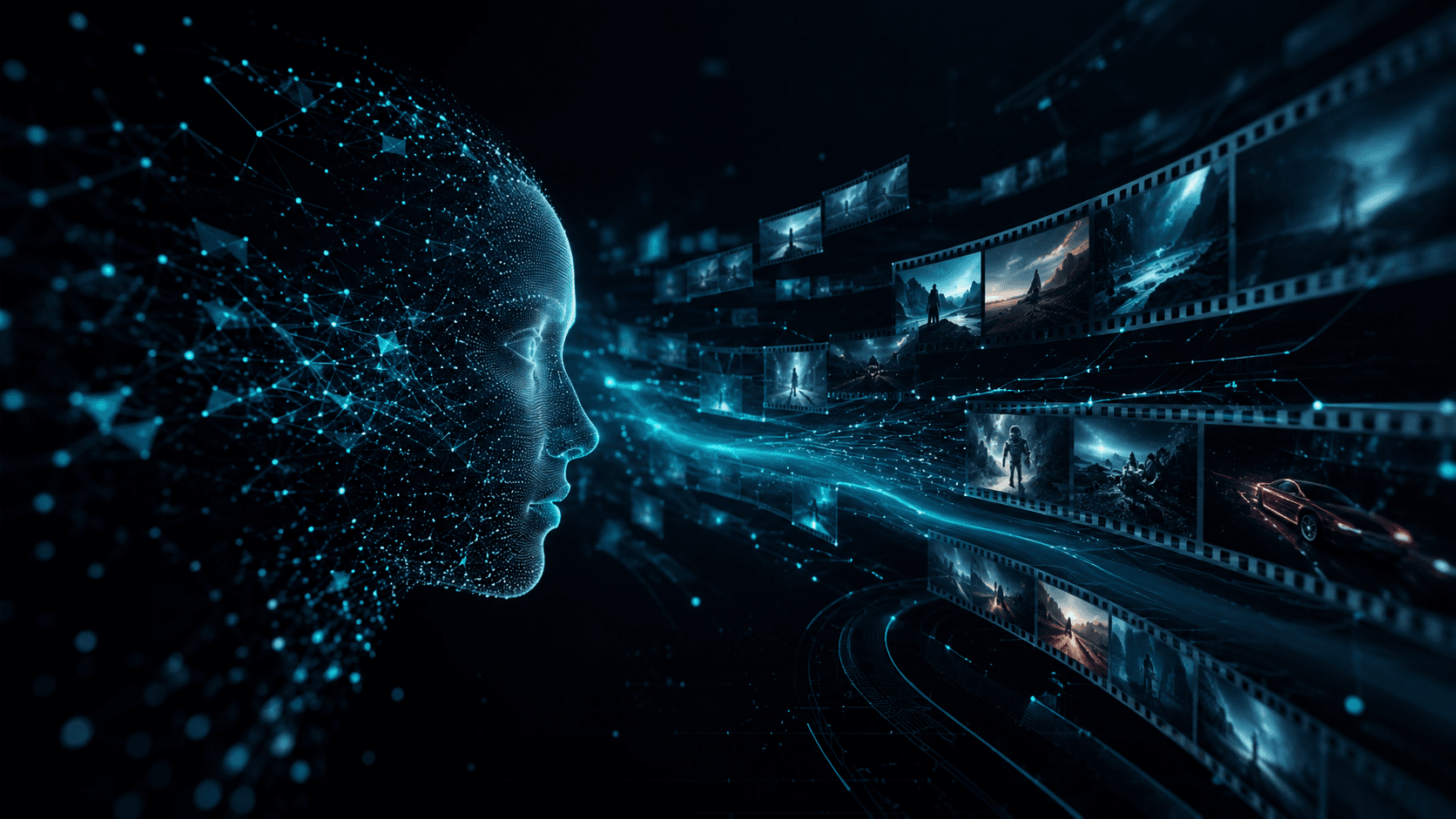
Seedance 2.5 seamlessly bridges audio and visual storytelling. Upload your own audio to guide scene visuals, preserve consistent character identity across every shot, and export broadcast-quality clips.
Synthesizes large-scale natural motion while keeping physical interactions realistic. From subtle facial expressions to high-energy action sequences.
Upload voiceover or background music and the AI generates perfectly matched visuals with precise lip-sync. Or let the model create original dialogue and sound effects automatically.
Facial features, clothing, and character build stay consistent across every camera angle and scene. Craft memorable narratives instead of disjointed clips.
Standard mode provides 1080p resolution for most workflows. Multiple aspect ratios supported: 16:9, 9:16, 1:1, 4:3, and more.

Seedance 2.5 supports text, images, video, and audio as input references. Combine multiple types to guide AI video generation with precision and creative control.
Describe your scene in natural language. Control camera movement, mood, style, and duration with detailed prompts.
Upload up to 9 reference images to define character appearance, scene composition, and visual style.
Upload video clips (up to 15s) as motion or style references. The AI replicates camera work and transitions.
Add voiceover, music, or sound effects. The AI syncs visuals to your audio with lip-sync accuracy.
Supported Combinations
Text + Image | Text + Video | Text + Image + Video | Text + Image + Audio | Text + Video + Audio | Text + Image + Video + Audio
From brand marketing ads to educational explainers — Seedance 2.5 multi-modal, audio-integrated video for every use case.
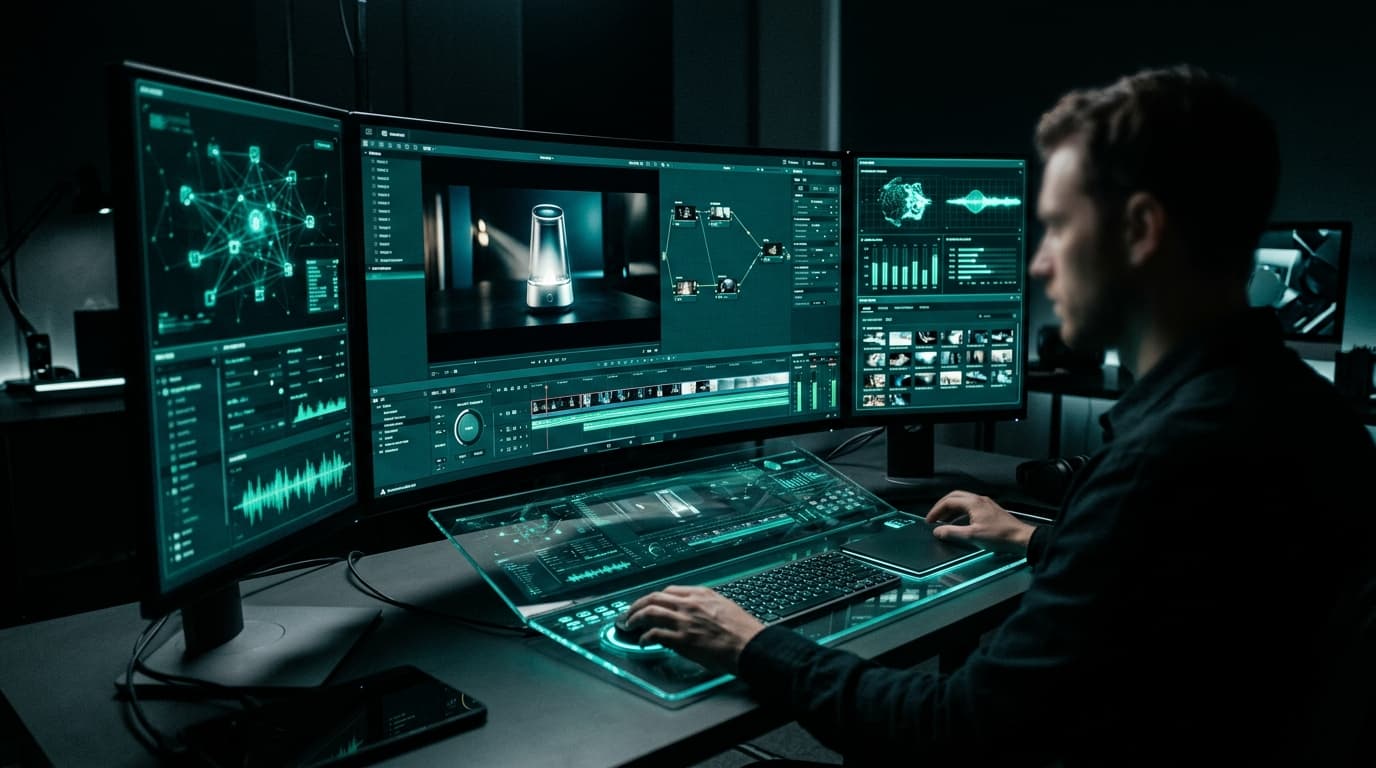
Turn static product photos into dynamic marketing campaigns. Maintain consistent brand styling across every clip with native integrated audio and HD export for high-conversion promotional content.
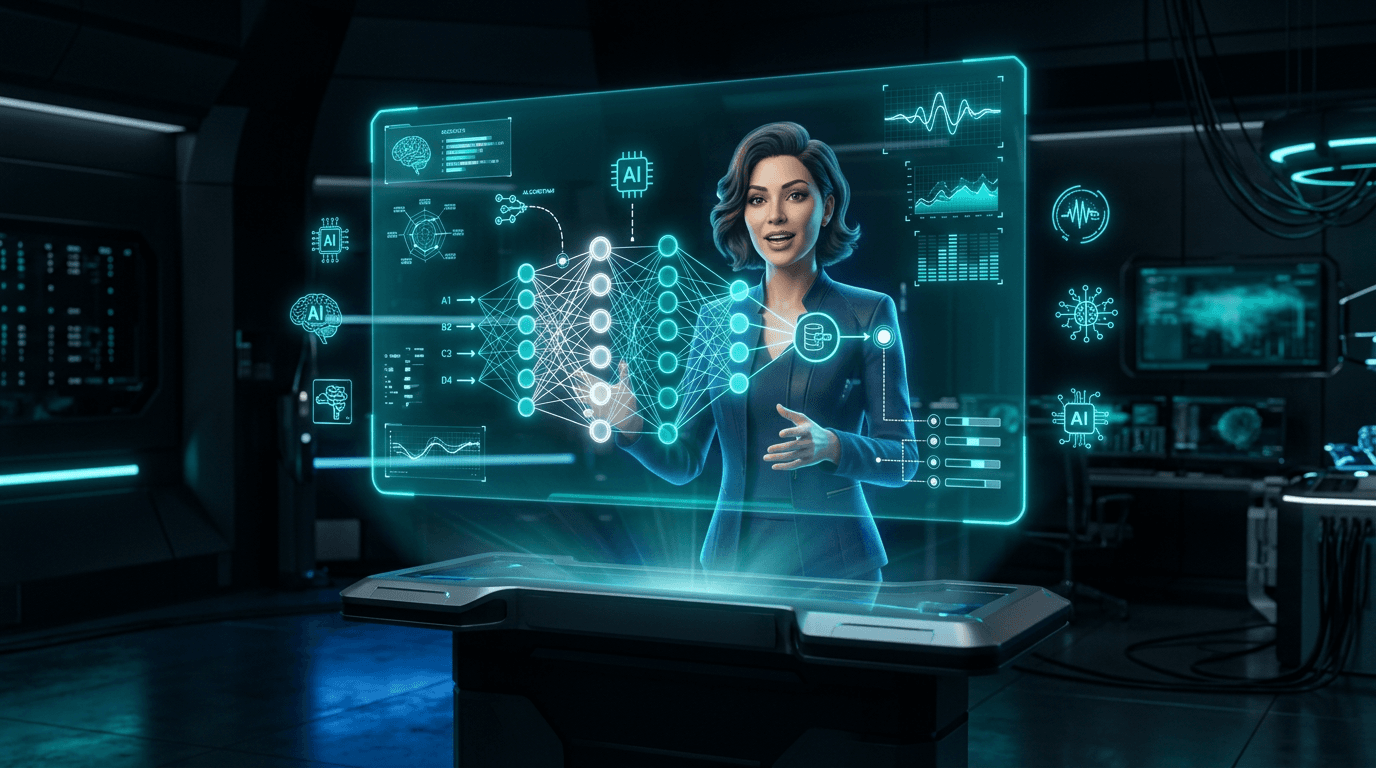
Build animated educational explainers, historical scene reconstructions, and virtual instructor avatars with perfectly synchronized lip-sync for lectures and online courses.
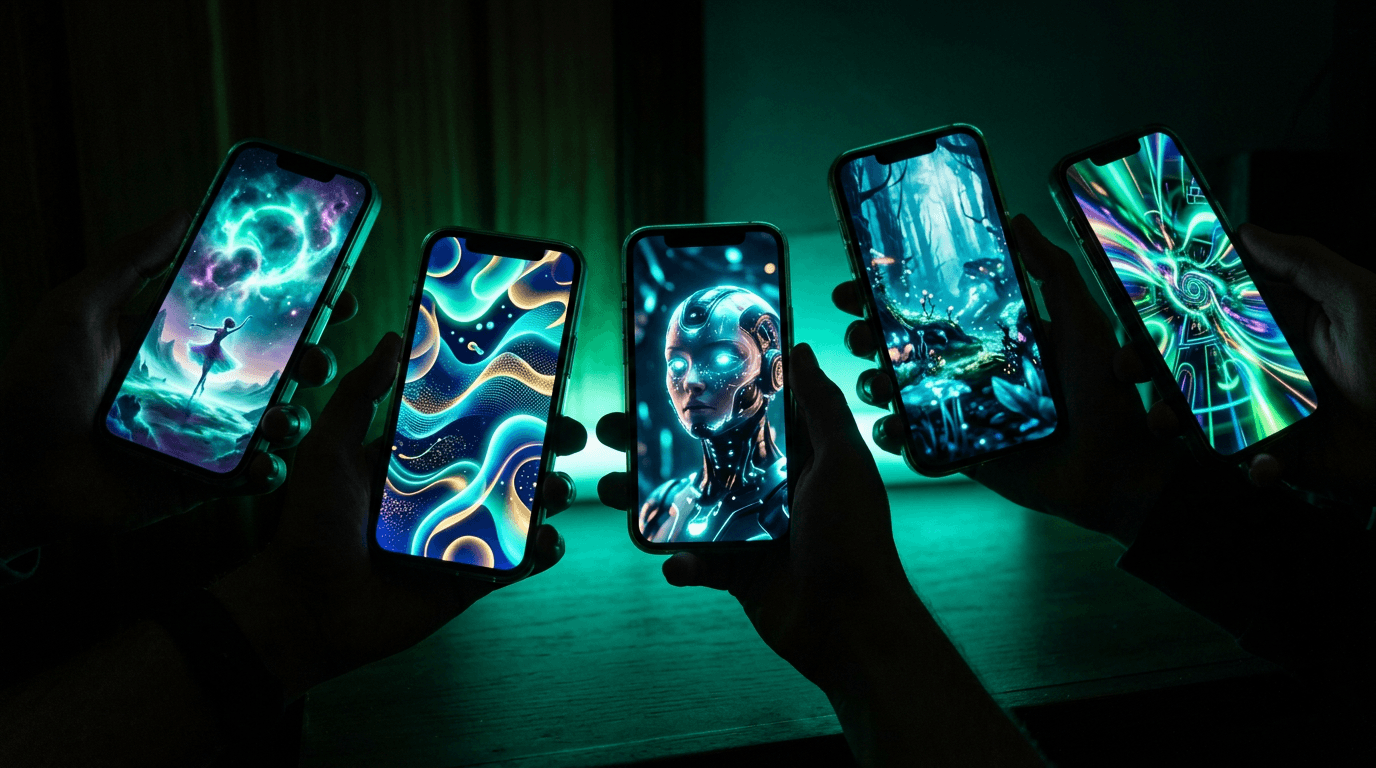
Craft TikTok, Instagram Reels, and YouTube Shorts content with vertical or square aspect ratios. Build algorithm-optimized clips with perfectly synced audio — no additional post-editing needed.
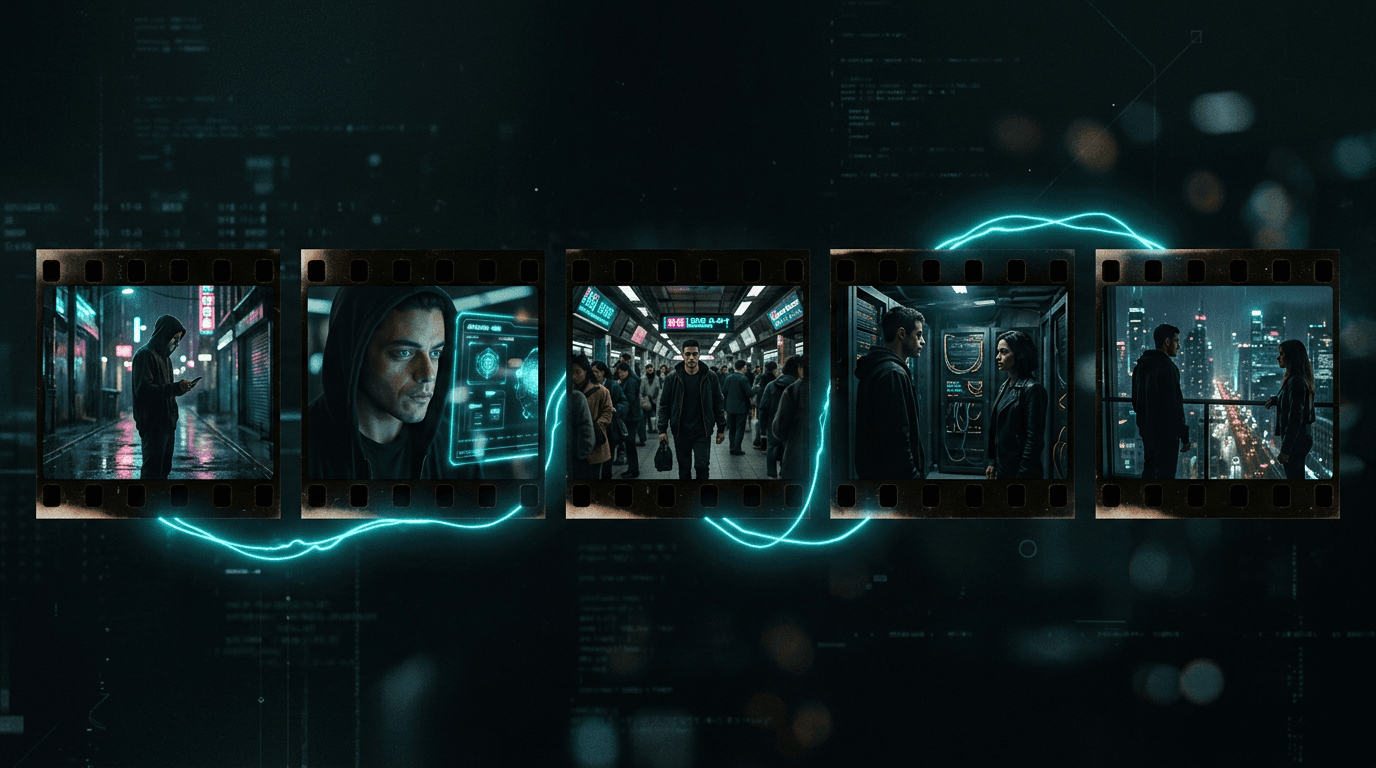
Pre-visualize film or video scenes before principal photography. Test camera compositions, angles, and pacing using cohesive, smooth multi-shot sequences.
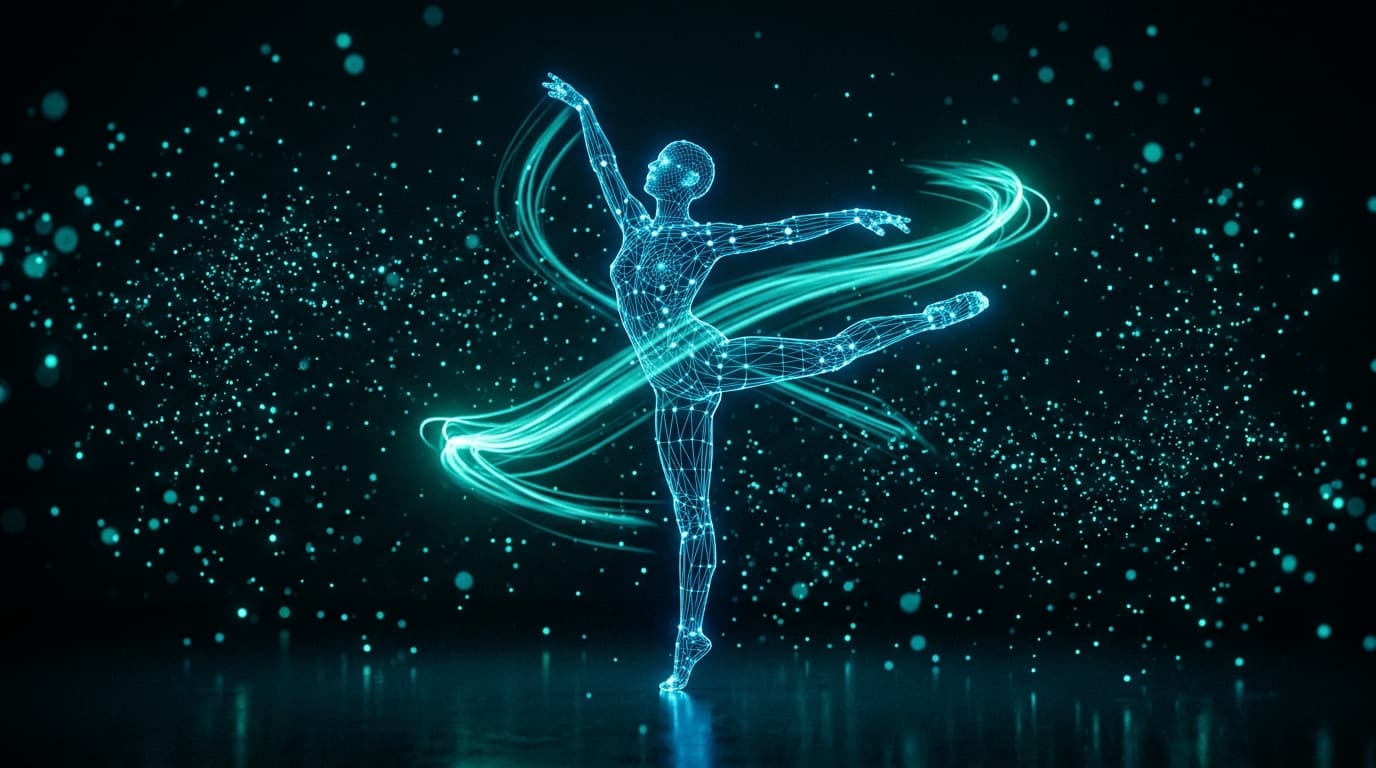
Upload reference choreography or motion clips and apply them to any character. Perfect for dance covers, motion replication, and action sequences.
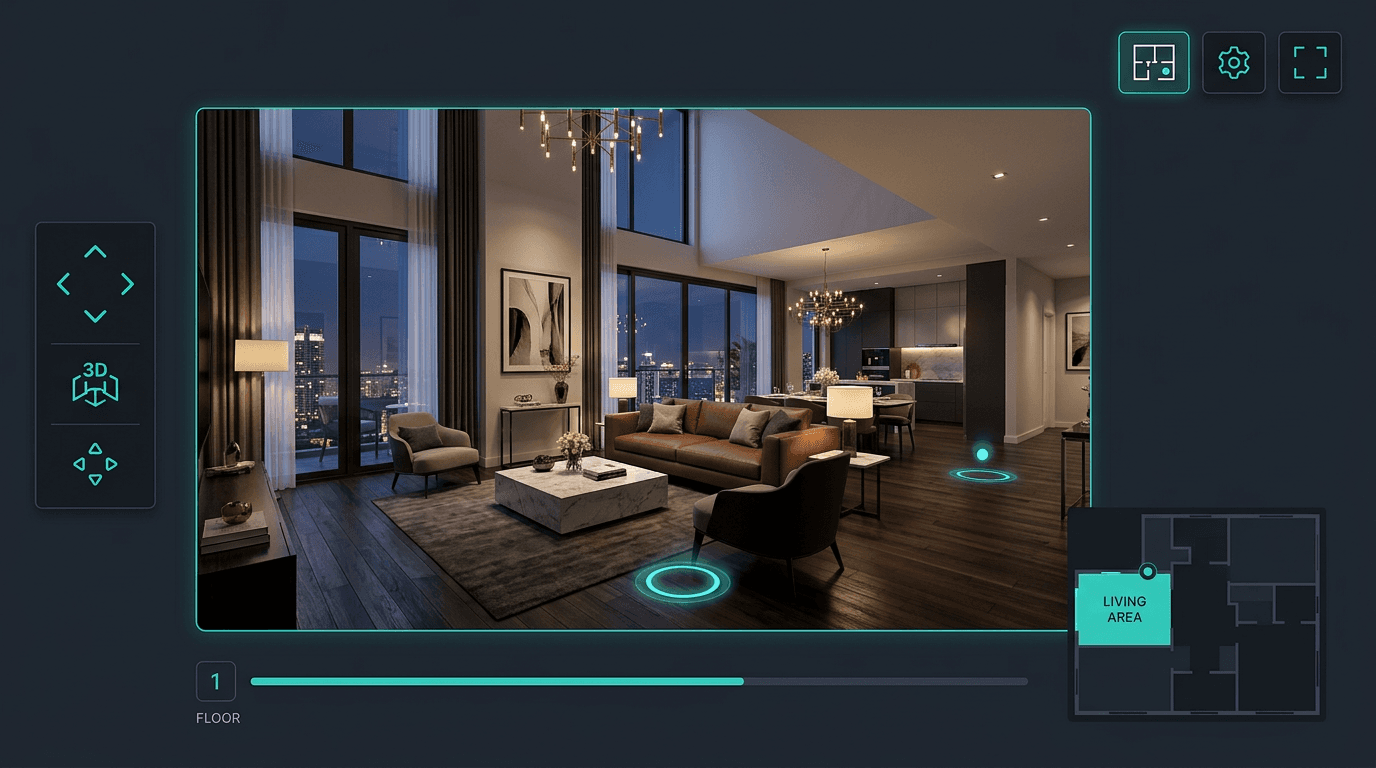
Transform property photos into immersive virtual tours. Showcase architectural designs with dynamic walkthroughs and atmospheric presentations.

Seedance 2.5 works best with clear images and specific prompts. Describe what should move, what the camera should do, and what style the Seedance 2.5 video should use.
Start by uploading a portrait, product shot, artwork, or landscape to Seedance 2.5 — or simply describe the scene you want to create.
Describe what should move: camera direction, subject action, emotion, speed, atmosphere, or Seedance 2.5 cinematic style.
Seedance 2.5 creates a short clip you can preview, refine, and use in your creative workflow.
Export your Seedance 2.5 AI video for social channels, ads, websites, product pages, presentations, or client demos.
Answers about Seedance 2.5 video generation, supported inputs, free credits, image quality, and commercial use.
Seedance 2.5 is an all-in-one AI video generator that creates stunning videos from text prompts and images — with realistic motion, cinematic camera work, and professional quality.
Upload an image, write a short motion prompt, choose generation settings, and let the AI create a professional video from your static image.
Yes. Seedance 2.5 supports text-to-video, image-to-video, and more — one AI model handles every input type in a single unified pipeline.
Yes. Free credits are available so you can test the workflow before choosing a paid plan. Start creating AI videos at no cost.
Clear, high-resolution images with a visible subject produce the best results. Product shots, portraits, artwork, and scenes with depth work especially well.
Yes. You can use generated videos for marketing, social media, e-commerce, and creative projects when you have the rights to the uploaded images and follow the service terms.
Need help with billing, quality issues, or a support question? Reach us anytime at [email protected].